azure.microsoft.com
Cloud can be tricky sometimes. Find out what scenarios we've ran into that are worth being mentioned and explained.
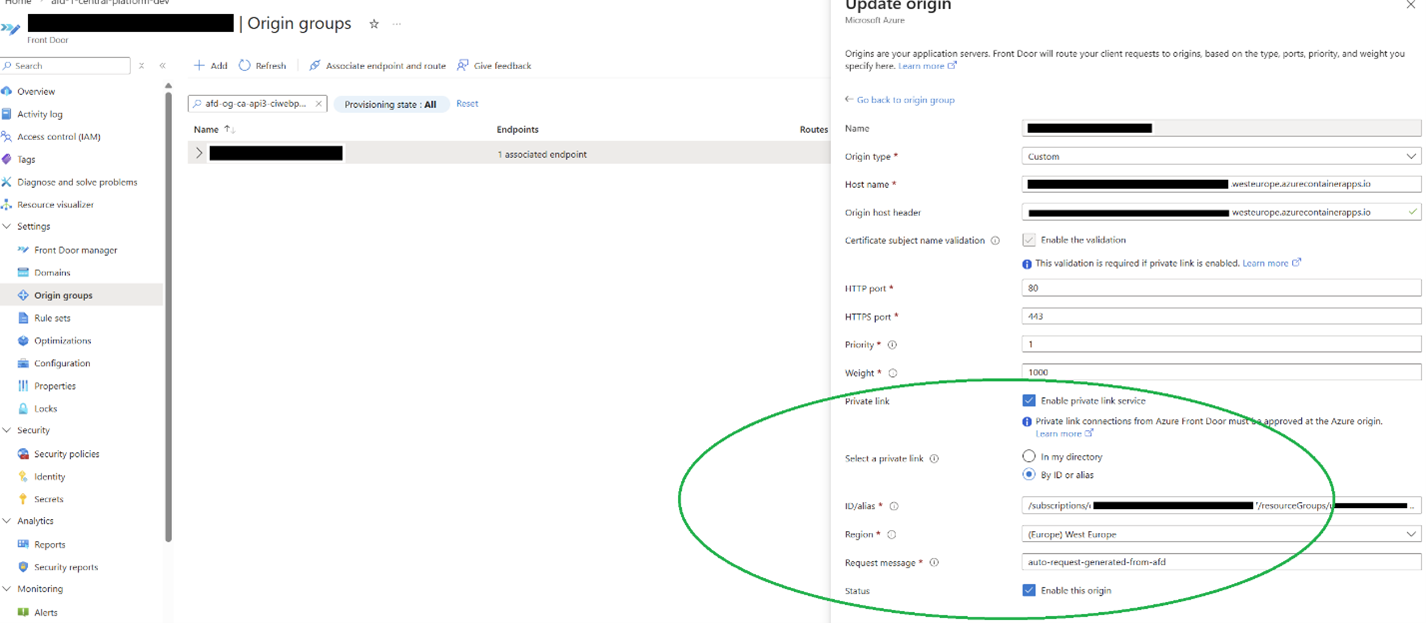
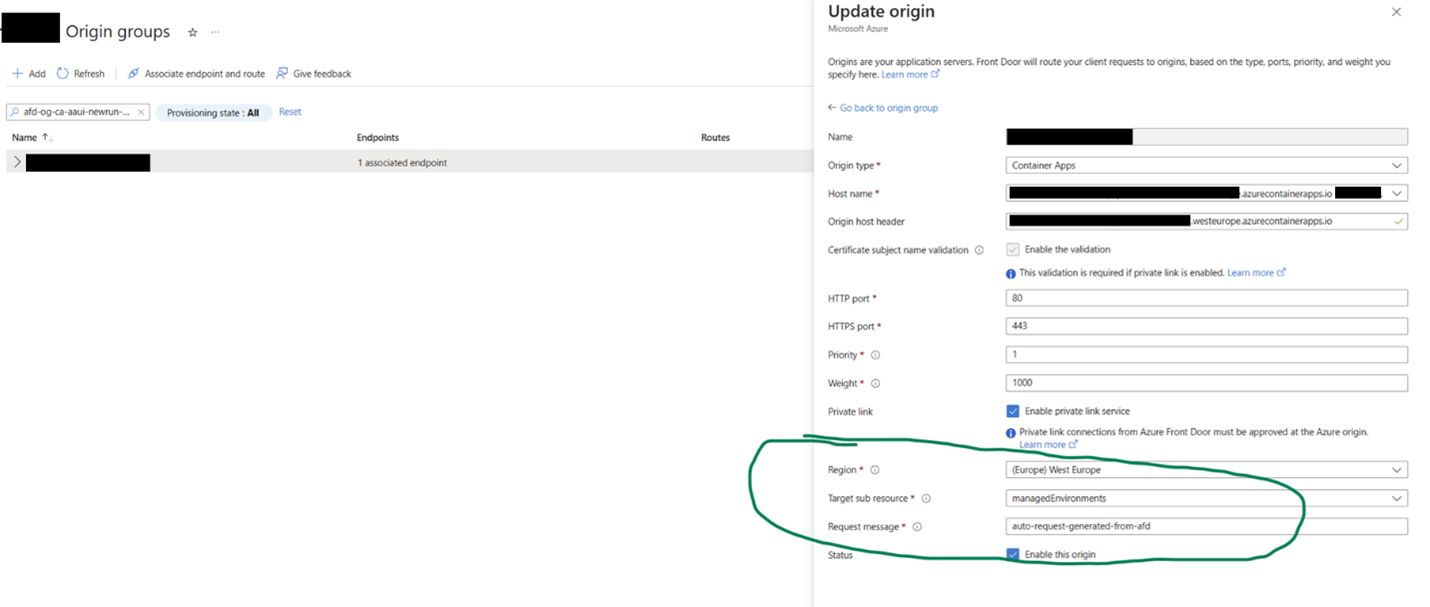
If you’ve ever deployed Azure Container Apps, you’ve for sure wondered how you can protect them in a secure manner. And the easiest way to expose them securely on the internet is to place in front of your Container App(s) a Front Door endpoint that has a WAF policy.
FYI – for the rest of the article, it’s implied that we are only discussing here Container App Environments that are set as “internal”, integrated in VNETs and with no direct access from the outside world.
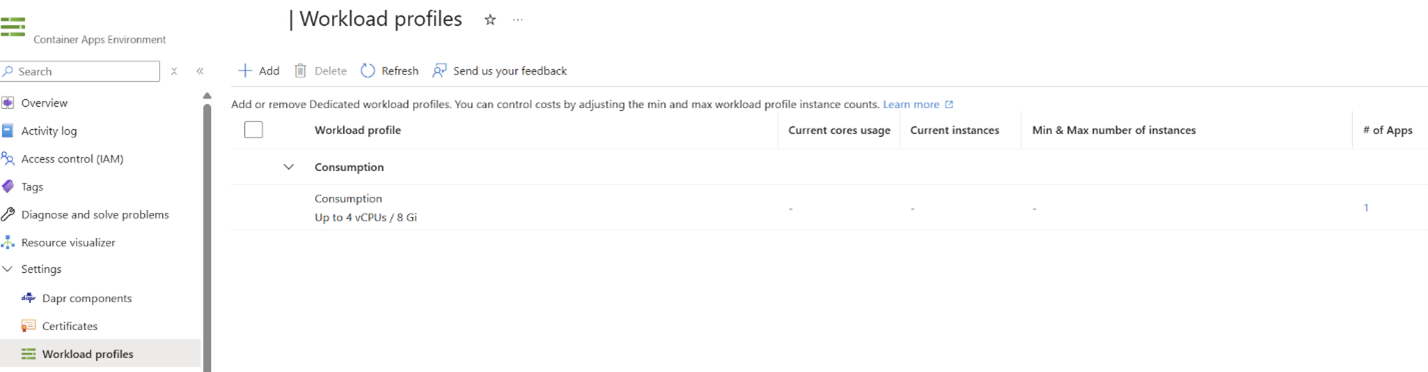
Up until now, Azure Container App Environments (basically the instance that is hosting your Container Apps) could have been either on “Consumption mode” or based on “Workload profiles”.
But, recent updates from Microsoft (mid-2025, to be more precise), made the “Consumption mode” deprecated, now all Container App Environments infrastructure being available as “Workload profiles”.
I know what you’re thinking: “so they’re basically forcing me to choose something that is prepaid, instead of a pay-as-you-use model such as the consumption one”? Well… the response to that is “yes and no”.
Now, when you build an Azure Container App Environment, although the infrastructure is set on “Workload profiles”, the default profile that is being created (unless you specifically create a workload profile):

Transform your business.
Run adaptive.
Phone: +40 73 523 0005
Email: hello@adaptive.run